FurList allows you to enable Google Authenticator 2FA (2 factor authorization) for your account, this will require a code from your phone before logging in.
Enable 2FA
Go to Settings > Account > 2FA
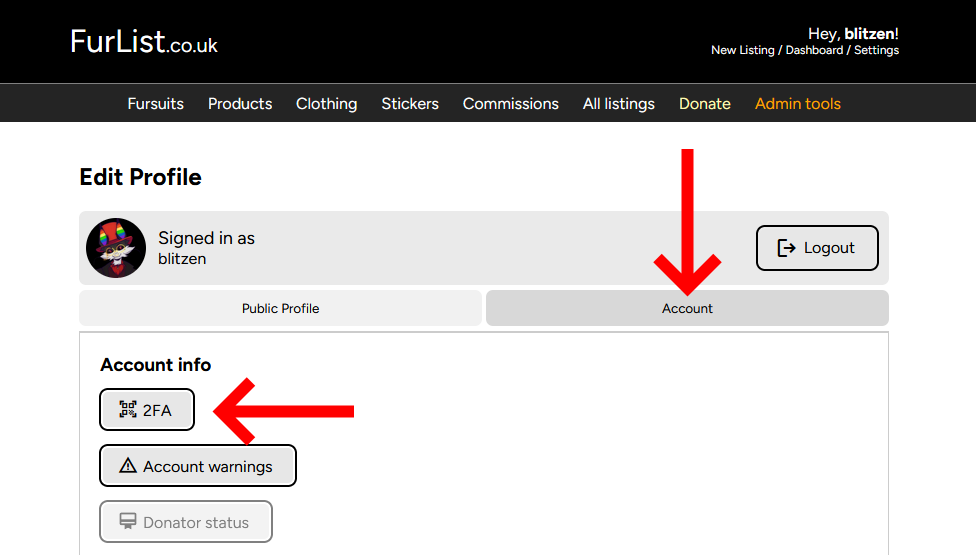
You will be prompted to enter your password to verify its you before doing setup.
Once done, it will show a QR code or a code, scan the QR with your Google Authenticator app, or if that doesn’t work then enter the unique ID instead – and it should add automatically
When your code is added, enter the latest one into the entry box and you should be all setup!
Signing in
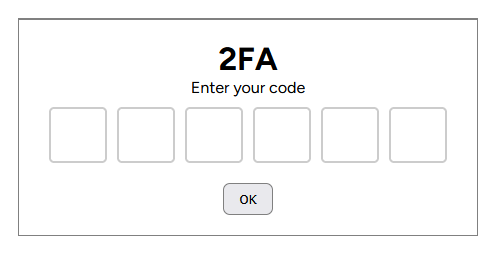
When logging in, after entering your details then submitting, it will prompt for your 2FA code, once done you’ll login as per usual!
Remove 2FA
We don’t recommend removing 2FA from your account, but if you really want to then you can here. Just enter your password and 2FA code and it’ll be removed on submit.
DO NOT remove your 2FA code from the app until you have finished removing from the site!! You will be locked out if you remove it in app before website.